
Capacity where work happens
Review users, connected devices and applications together, then position access points and wired connections for the areas that carry the workload.
Networks & infrastructure
Build a network your business can work on. Connect people, workspaces, cameras and phones through managed Wi-Fi, switching and structured cabling. With equipment from Cudy, Reyee, Cisco and UniFi, we bring installation, configuration and ongoing support into one network plan.
Request a quotationReview users, connected devices and applications together, then position access points and wired connections for the areas that carry the workload.
Organised switching, labelled cabling and suitable network separation make the system easier to understand, maintain and extend.
Maintenance, configuration changes and troubleshooting can be included in a management arrangement, with the responsibilities and service charges clearly defined.
Managed networks & Wi-Fi
From wireless coverage to the cabinet at the centre, build a network with a clear role for every component. Explore Cudy, Ruijie/Reyee, Cisco and UniFi equipment, with cabling, device power, configuration and management considered as a complete system.
Cudy
Explore Cudy mesh systems, indoor and outdoor access points, and PoE switching. Choose equipment for the rooms, open spaces and wired devices that need to connect.
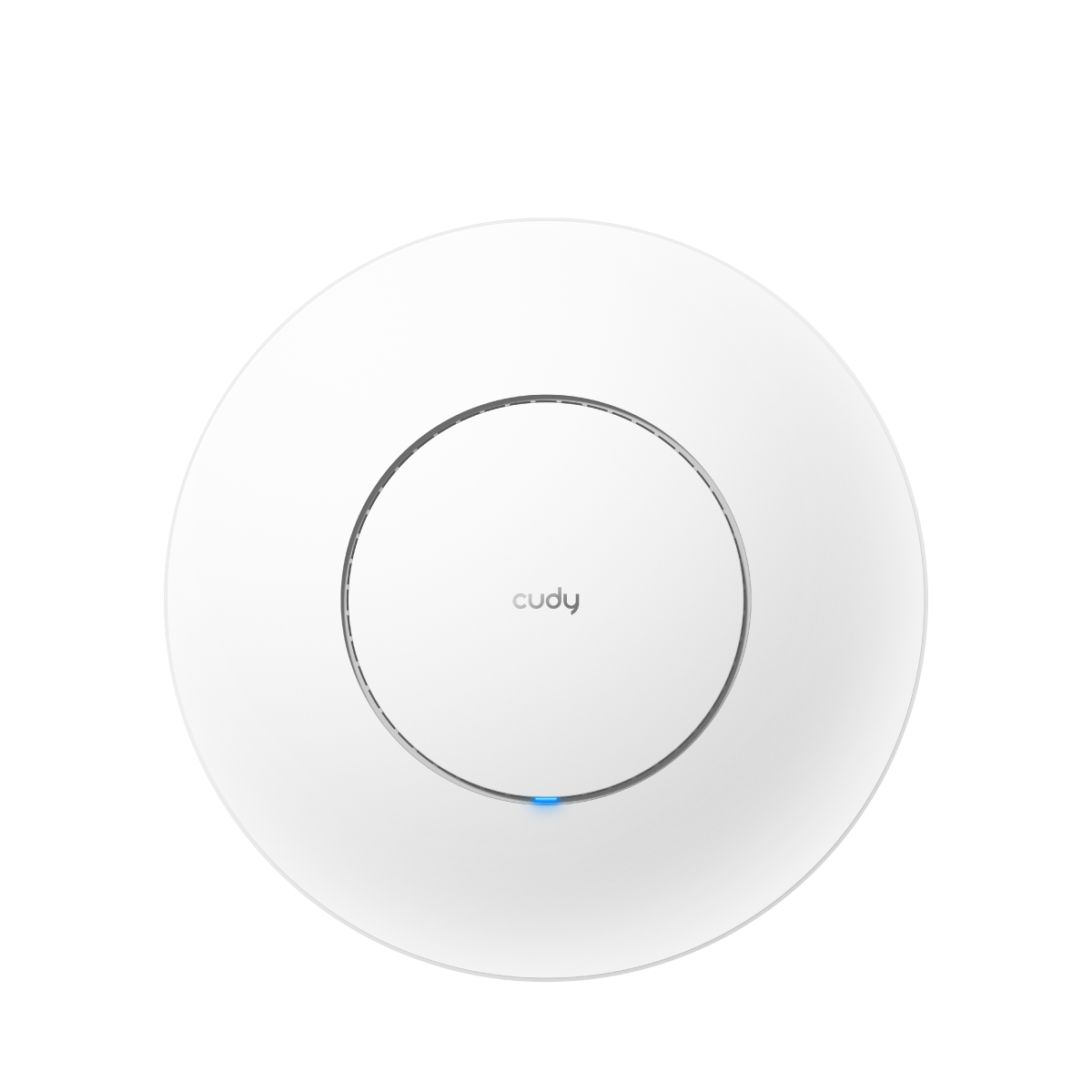
Wi-Fi access points
Bring dual-band AX3000 Wi-Fi 6 into shared offices and business spaces. The AP3000 combines a 2.5GbE uplink with PoE input and ceiling or wall mounting, letting the access point sit where wireless coverage is needed rather than beside a power socket.
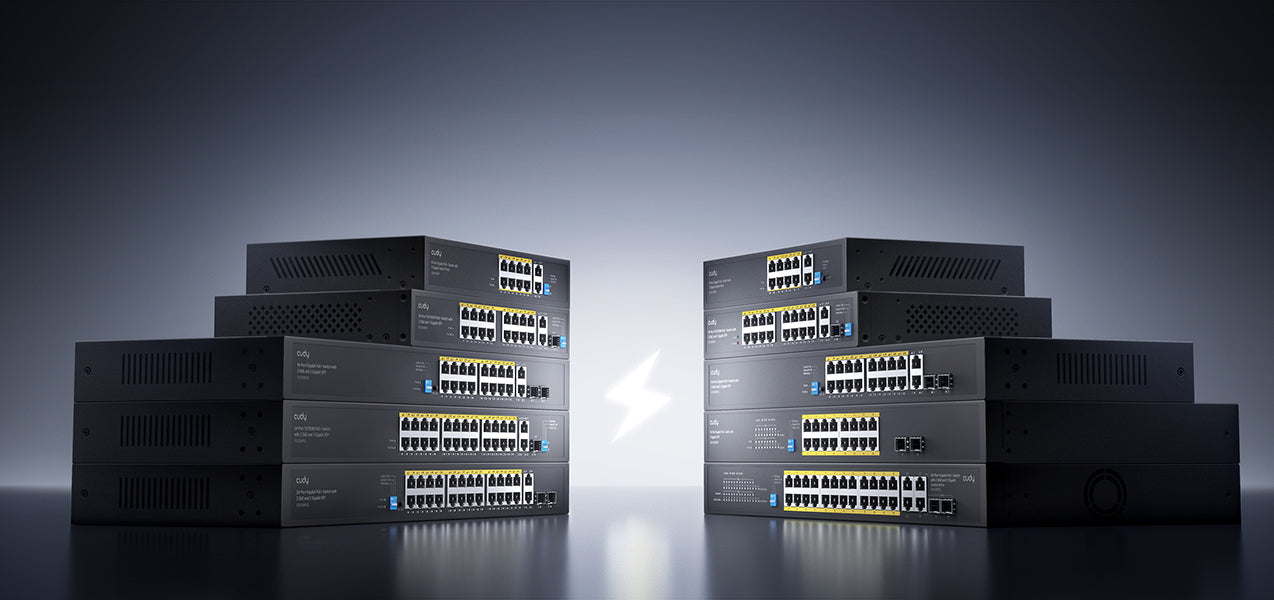
Powered network connections
Carry data and power to compatible cameras, IP phones and access points over Ethernet. Cudy’s PoE switch range provides options for different port counts and power requirements; the exact model and PoE budget are selected for the connected devices.
Whole-home mesh Wi-Fi
Bring Wi-Fi 6 into more rooms with a compact mesh system. Connect compatible Cudy units through wireless or wired backhaul, with two Gigabit Ethernet ports on each unit for wired devices.
Outdoor Wi-Fi access point
Extend Wi-Fi 6 into gardens, yards, farms and outdoor guest areas. Pole or wall mounting and a Gigabit PoE connection help position the access point where coverage is needed.
Ruijie / Reyee
Build Wi-Fi coverage across offices and shared spaces with Reyee access points and switching. Select the models, mounting positions and network connections around the site and its connected devices.
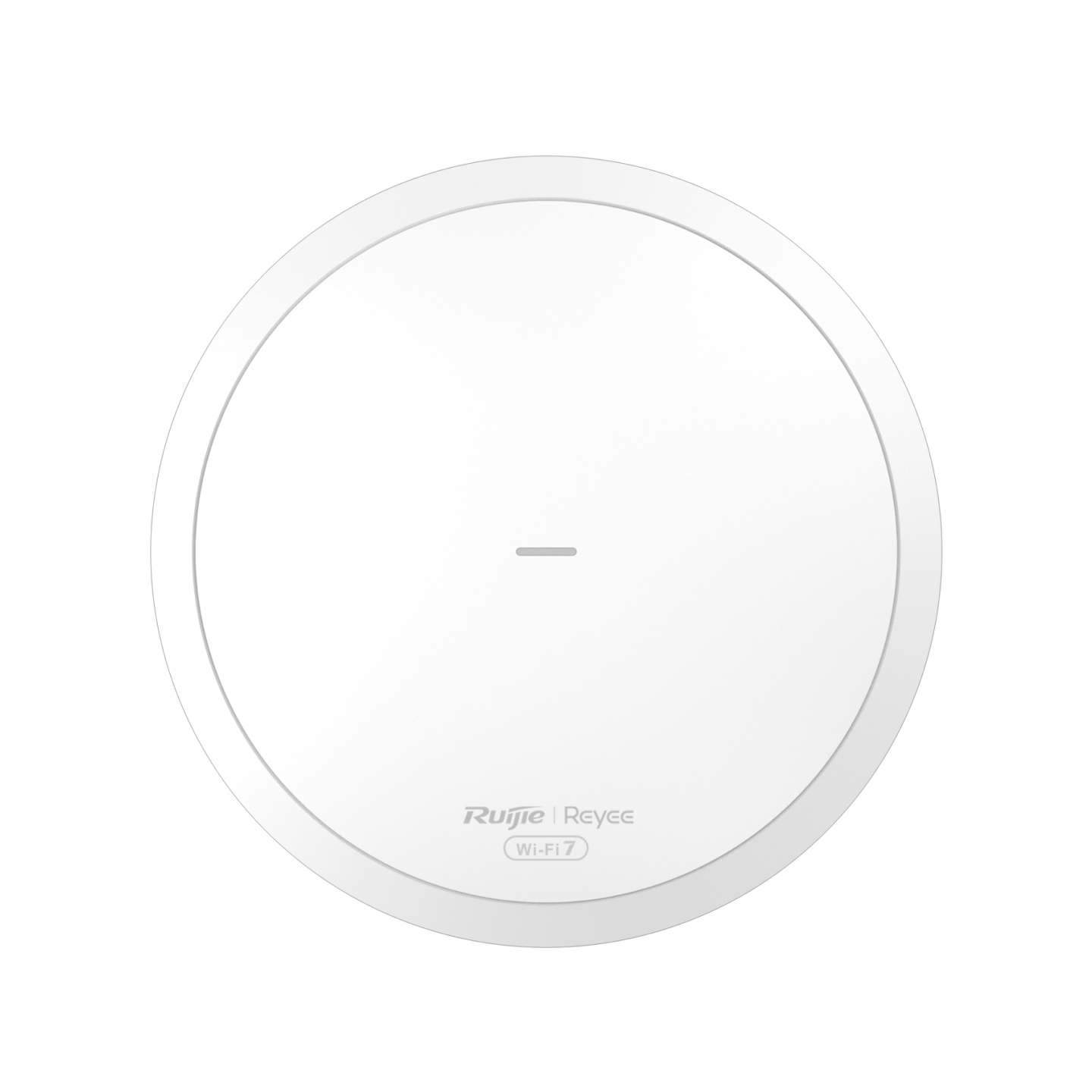
Managed Wi-Fi
Extend business Wi-Fi across offices, guest areas and shared spaces with Reyee access points. Coverage begins with the building layout, client devices and mounting positions, then matches the access-point model, cabling and power supply to the site.
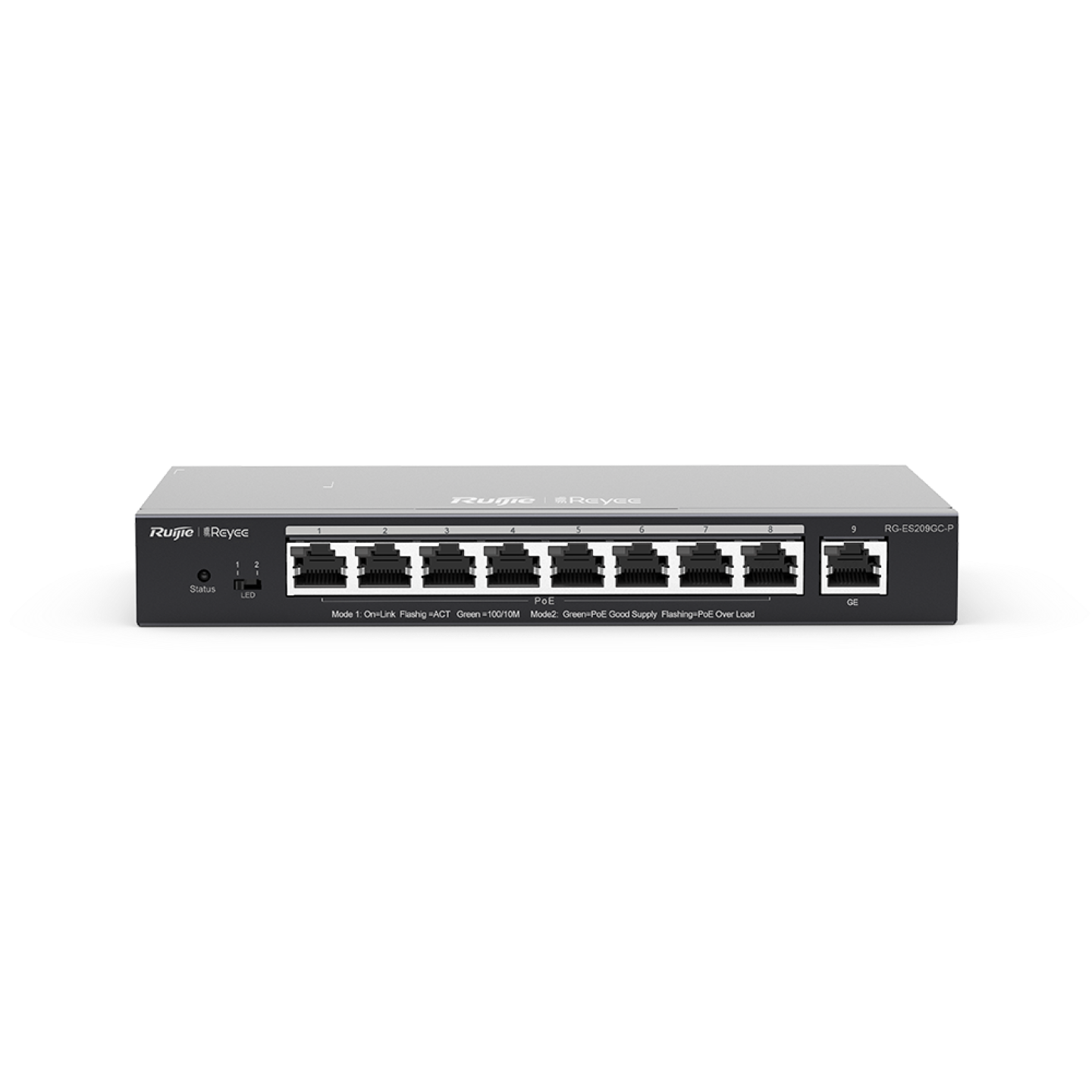
Smart PoE switching
Connect more of the site from one compact switch. RG-ES209GC-P provides nine Gigabit Ethernet ports, eight PoE+ ports and a 120W PoE budget, with smart cloud management and automatic loop prevention for compatible network installations.
UniFi
Bring managed switching, compatible PoE devices and organised cabling together in one network plan. Confirm the ports, uplinks and power budget for the equipment being connected.
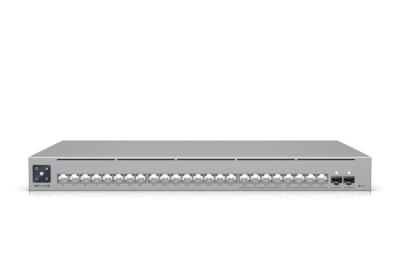
Managed switching
Bring wired devices and compatible PoE equipment into a UniFi-managed network. Pro Max 24 PoE forms part of a wider installation that brings the switch, device power, cabling and network configuration together, with the required ports and uplinks confirmed for your equipment.
Explore the equipment, then request a quotation for the exact model, accessories and installation. Availability, compatibility and any service or licence charges are confirmed before ordering.
What the service includes
Routers, switches, access points, power and cabling form one system. We design their connections together instead of treating each device as a separate installation.
Getting started
We review your building layout, internet links, connected devices and the applications the network needs to support.
We specify switching, wireless coverage, cabling and equipment positions, including suitable links between separate buildings.
We install and test the network, demonstrate administration and establish any ongoing maintenance or management arrangement.
Useful answers
Yes. Wi-Fi coverage, switching and cabling can often be improved while retaining a suitable internet connection. We distinguish internal-network limitations from problems with the incoming service.
Yes, where a suitable cable or wireless-link path is available. We assess line of sight, distances, access, power and the connection required at each location.
The management proposal identifies configuration, maintenance, troubleshooting and any monitoring included for your equipment. It also sets out access permissions, support responsibilities and recurring charges.
Bring it all together
Discuss your installation
Show us the spaces, users and systems you need to connect. We will design the infrastructure and support arrangement behind them.